
Meta Consent Mode: What Advertisers Need to Know
Links CMPs with Meta Pixel and Conversions API to honor consent, protect privacy, and preserve ad measurement using server-side controls and modeling.
Meta Consent Mode helps advertisers comply with privacy laws like GDPR and CCPA while maintaining ad performance. It adjusts data collection based on user consent using the Meta Pixel and Conversions API. If users grant consent, full tracking is enabled. If they decline, only limited technical data, like timestamps, is processed. This approach ensures GDPR compliance while allowing Meta to estimate conversions using AI and historical data, achieving accuracy rates above 80%.
Key Points:
Consent-Based Tracking: Data collection adjusts in real time based on user consent.
Privacy Compliance: Ensures adherence to GDPR, CCPA, and other laws.
Conversion Modeling: Uses AI to fill gaps when users opt out of tracking.
Integration: Works with Consent Management Platforms (CMPs), Meta Pixel, and Conversions API.
Setup Requirements: Requires updates to Pixel code and server-side logic for consent signals.
Meta Consent Mode offers a way to balance privacy and performance, making it a must-have for advertisers navigating strict regulations.
Meta Conversion API & GDPR Consent Setup
How Meta Consent Mode Works
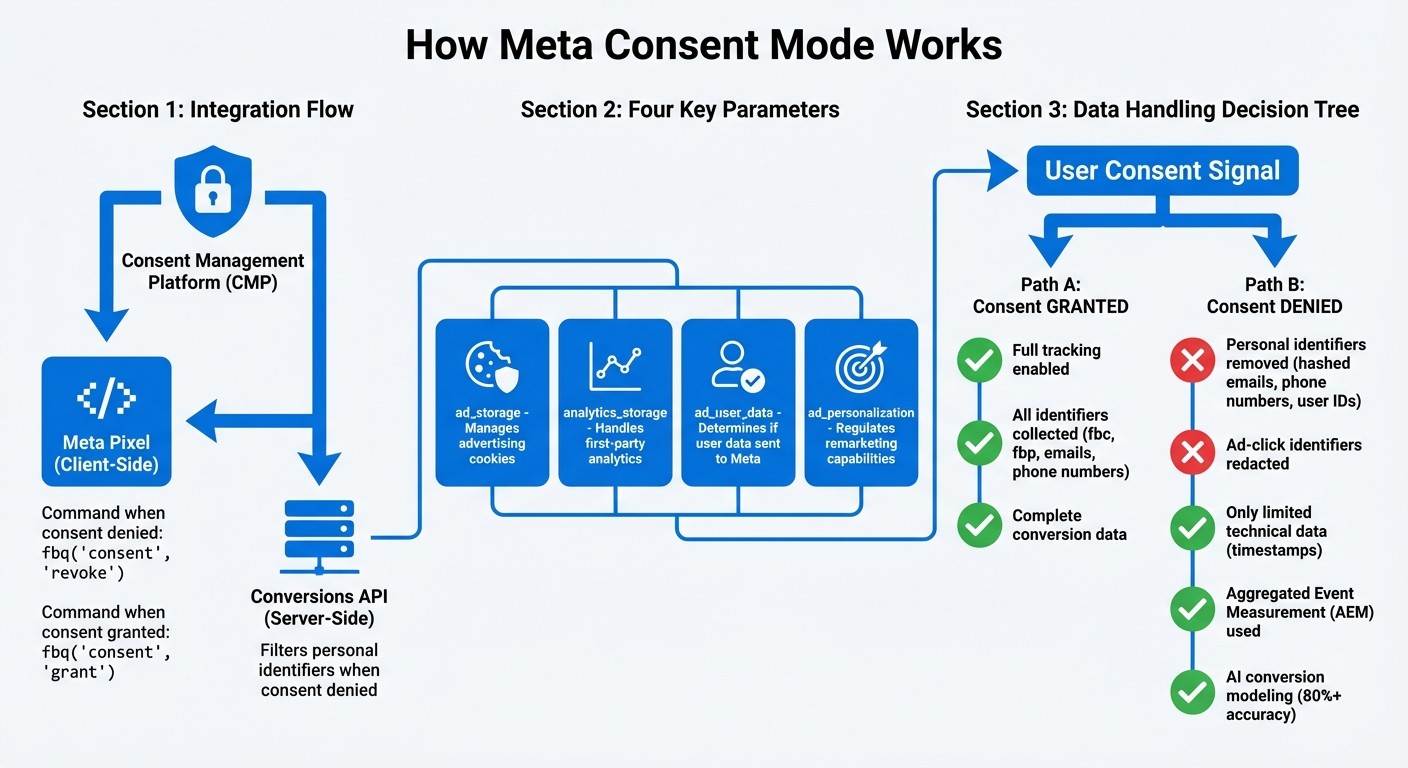
How Meta Consent Mode Works: Integration and Data Flow Process
Meta Consent Mode links your Consent Management Platform (CMP) with Meta's tracking tools, ensuring data collection aligns with user permissions. It adjusts data gathering in real time, relying on two main technologies: the Meta Pixel for browser-based tracking and the Conversions API (CAPI) for server-side operations. This system enforces user consent at every step. For a deeper look at the regulatory landscape, see our guide to Meta ads privacy.
Integration with Meta Pixel and Conversions API
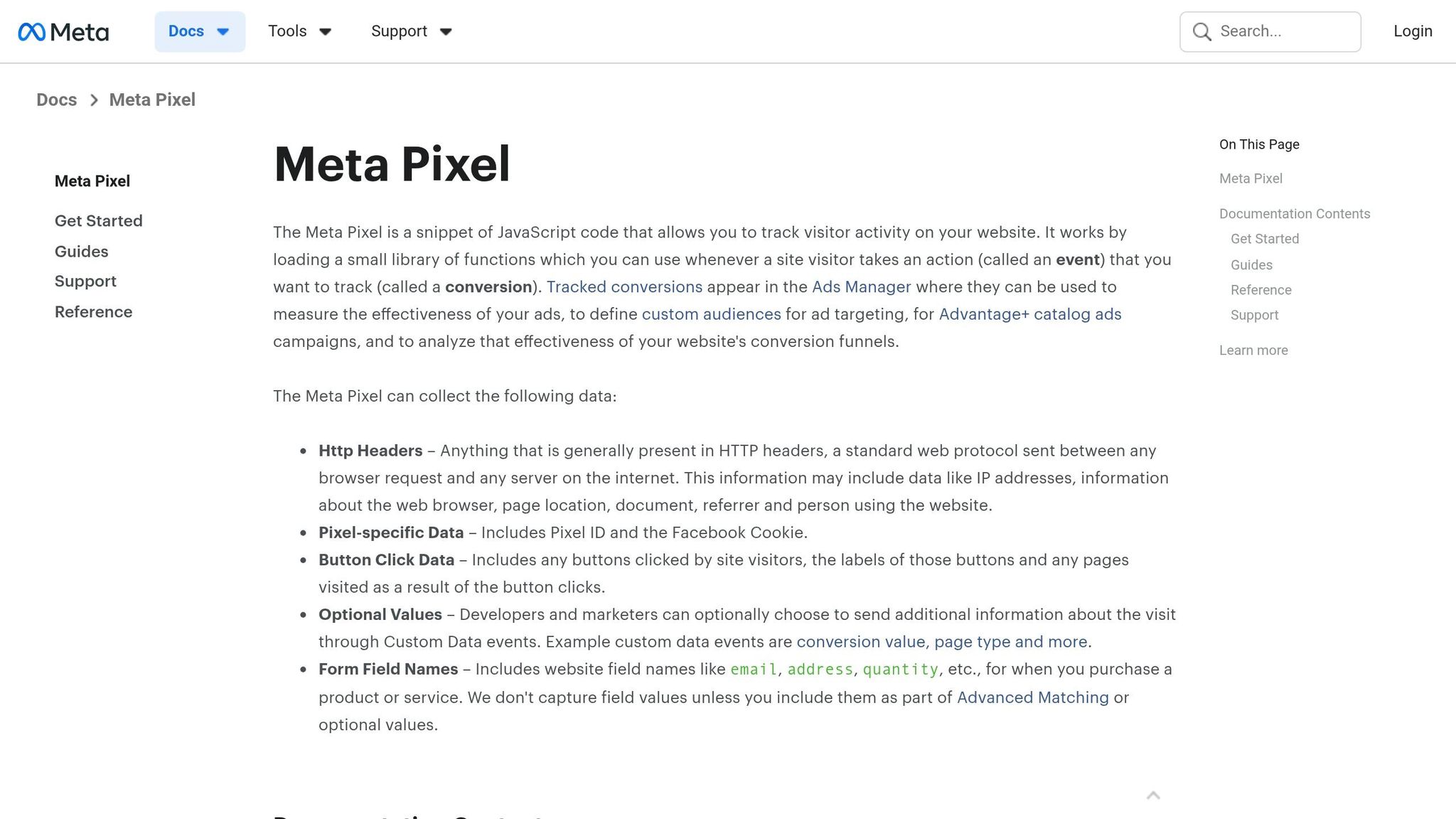
Let’s break down how Meta Consent Mode works with these tracking tools:
The Meta Pixel functions on the client side, using specific commands to manage data flow. For example, if a user declines consent, the command fbq('consent', 'revoke') halts tracking. If consent is granted, fbq('consent', 'grant') resumes it. Four key parameters control the types of data collected:
ad_storage: Manages advertising cookies.analytics_storage: Handles first-party analytics.ad_user_data: Determines whether user data can be sent to Meta.ad_personalization: Regulates remarketing capabilities.
On the server side, the Conversions API (CAPI) adds another layer. If consent is denied, CAPI filters out personal identifiers - like hashed emails or phone numbers - before sending data. This ensures compliance even if browser restrictions block the Pixel. To avoid discrepancies, it’s critical to synchronize signals between your CMP, the Pixel, and CAPI.
This dual approach creates a more flexible and consent-driven tracking system.
Data Handling Based on User Consent
Once integrated, the system dynamically adjusts how data is processed based on the user’s consent choices.
Meta’s framework actively blocks unauthorized data collection at its source. For instance, if ad_storage is denied and ads_data_redaction is enabled, the system removes ad-click identifiers from network requests, preventing cross-site tracking. To maintain campaign insights while respecting privacy, Meta uses Aggregated Event Measurement (AEM). This method processes conversion data anonymously.
To align your server logic with consent preferences, ensure identifiers like fbc and fbp are redacted when ad_storage is set to "denied." This ensures compliance while balancing user privacy and marketing needs.
Benefits of Using Meta Consent Mode
Meta Consent Mode provides a way to navigate privacy regulations, build trust with users, and maintain effective campaign tracking.
GDPR and CCPA Compliance
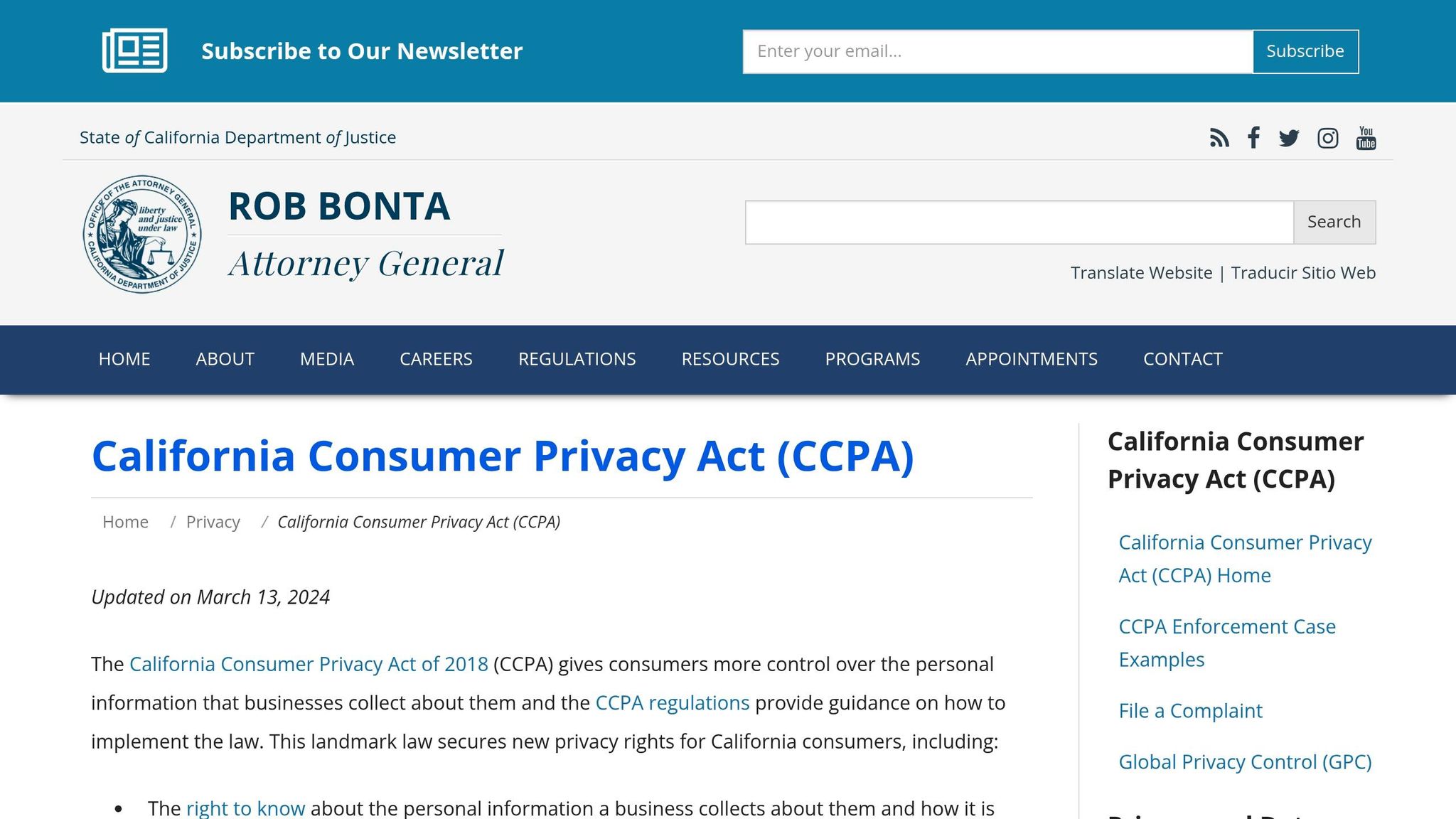
Navigating privacy laws like GDPR and CCPA can be tricky, but Meta Consent Mode makes it easier. It adjusts data collection based on user consent in real time. Here’s how it works: Meta Pixel handles client-side tracking, while the server-side Conversions API filters out personal data if consent isn’t granted. For California users, it incorporates Limited Data Use (LDU) features, which limit data sharing and behavioral advertising when users opt out. It also allows users to customize their consent for different purposes, like analytics, ad personalization, or cross-device tracking.
Building Consumer Trust
Respecting user privacy isn’t just a legal requirement - it’s also a way to build trust by following best practices for Meta ad data privacy. By actively filtering data at the source, Meta ensures that unauthorized data isn’t collected in the first place. This proactive approach creates a smoother experience for users, showing them that their privacy matters. That kind of transparency and data privacy can go a long way in strengthening your brand’s reputation.
Measurement with Limited Data
Even if some users opt out of tracking, Meta Consent Mode doesn’t leave you in the dark. It uses statistical modeling to fill in the gaps by analyzing data from users who did consent. This approach gives you a clear picture of your campaign’s overall performance, helping you make smart adjustments - without crossing privacy boundaries.
Next, let’s dive into how you can implement Meta Consent Mode to take advantage of these features.
How to Implement Meta Consent Mode
To make the most of Meta Consent Mode, you'll need to integrate it with your consent tools and Meta’s tracking infrastructure. Here’s a breakdown of how to get it done, step by step.
Setting Up Consent Banners and CMP Integration
Start by disabling data collection in your Meta Pixel code by default. Add the line fbq('consent', 'revoke'); to your Pixel code before any user interaction takes place. This ensures that tracking remains off until the user explicitly gives their consent.
Next, choose a Consent Management Platform (CMP) that allows users to make detailed choices about their consent - for analytics, ad personalization, and cross-device tracking. Your CMP must relay these consent preferences to both Meta Pixel (client-side) and the Conversions API (server-side) in real time. This setup ensures that consent signals are applied consistently across your tracking tools, keeping you compliant while following conversion data compliance best practices.
Synchronizing Consent Signals with Meta Pixel
For the Conversions API, you’ll need to implement server-side rules to handle consent signals properly. Specifically, check the userConsent.advertising signal before sending any event data. If this signal is set to "false", strip all personal identifiers - like hashed emails, phone numbers, or user IDs - from the data payload before it reaches Meta’s servers.
This two-step approach ensures that no unauthorized data gets transmitted. By coordinating Meta Pixel and the Conversions API, you can block any unapproved data from leaving your system, keeping your operation compliant while still being able to model conversions for users who have opted in.
Auditing Data Privacy Compliance
Regularly auditing your compliance setup is critical. If your system collects data without proper consent, your business is ultimately responsible.
"Delayed consent signal transmission creates windows where unauthorized data collection occurs, exposing businesses to privacy violations even when users have declined consent." - Secure Privacy
To avoid these risks, consider implementing automated monitoring systems. These tools can detect and debug consent mismatches in real time, maintain tamper-proof logs, and even check new ad creatives for compliance issues as soon as they’re launched. While manual audits every few months might catch some issues, automated systems provide continuous oversight, helping you protect user privacy and avoid regulatory trouble.
Meta Consent Mode vs. Google Consent Mode
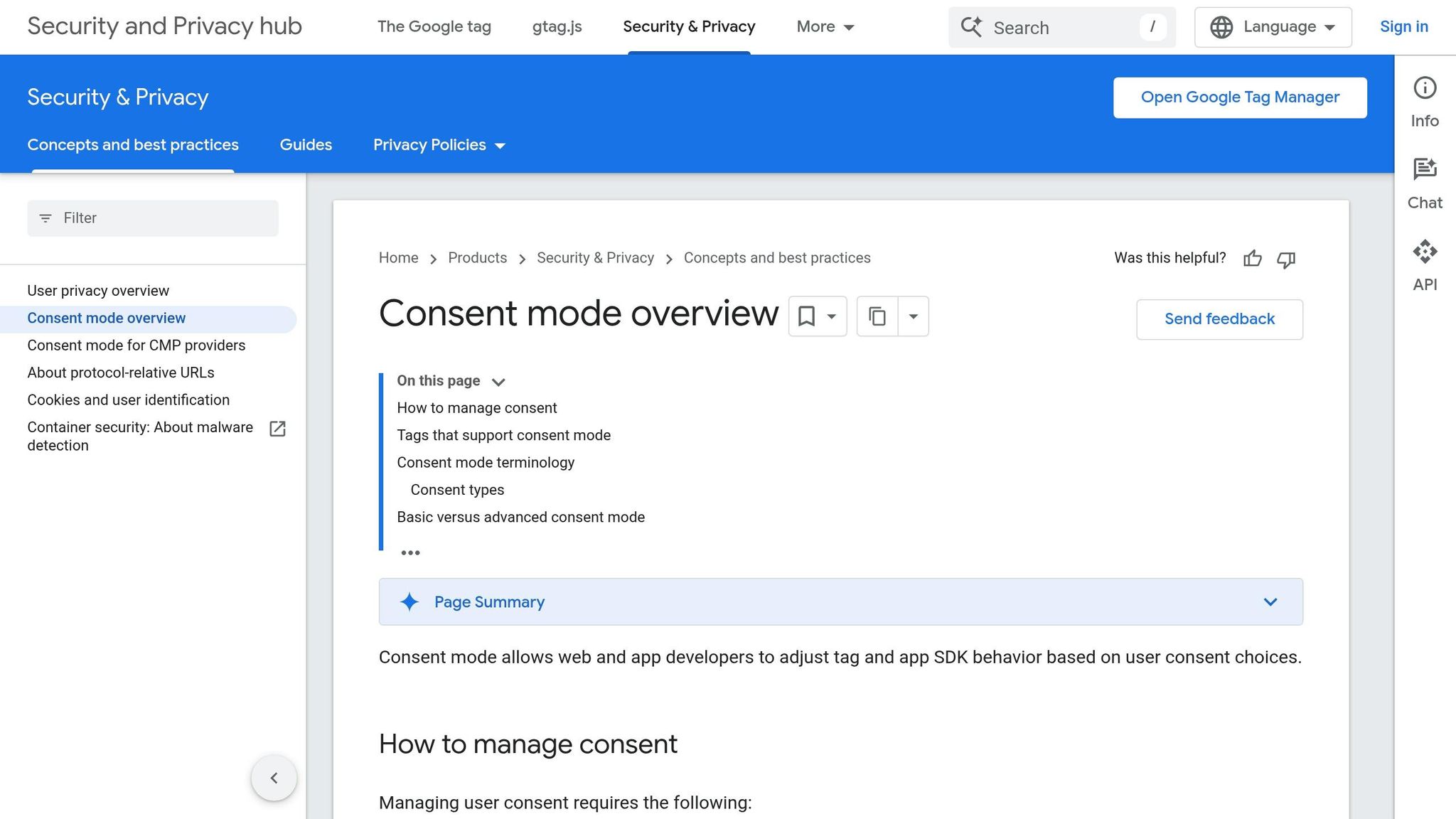
Meta and Google both provide consent frameworks designed to help businesses comply with data protection regulations, but their methods differ significantly.
Comparison of Data Handling Approaches
Looking at the way Meta Consent Mode processes data, it takes a different route than Google's methods.
Meta Consent Mode focuses on filtering data right at the source, while Google Consent Mode (Advanced) relies on transmitting consent signals. This allows Google to load tags and send cookieless pings even when users deny consent.
"Unlike Google Consent Mode V2, which focuses primarily on consent signal transmission, Meta Consent Mode emphasizes data filtering and alternative measurement approaches." – Secure Privacy
When users decline consent, Meta removes all personal data before sending anything to its servers. On the other hand, Google's Advanced Mode continues to gather data but flags it as non-consented, enabling detailed modeling. In contrast, Google's Basic Mode blocks tags entirely until users explicitly opt in. Meta’s approach can deliver over 80% accuracy in conversion modeling, while Google's Advanced Mode relies heavily on models tailored to individual advertisers.
Feature | Meta Consent Mode | Google Consent Mode (Advanced) | Google Consent Mode (Basic) |
|---|---|---|---|
Primary Focus | Filters data at the source | Transmits consent signals | Blocks tags until consent |
Data Handling (Denied) | Removes personal data entirely | Sends cookieless pings; flags as non-consented | Blocks all tags and data |
Technical Scope | Integrates Meta Pixel and Conversions API for tracking | Covers Google Tag, GA4, and Ads tags | Covers Google Tag, GA4, and Ads tags |
Implementation | Requires updates to Pixel code and CAPI logic | Managed via Google Tag Manager | Managed via Google Tag Manager |
Modeling Approach | Uses statistical modeling from aggregated data | Relies on AI-driven, advertiser-specific models | Applies a general model with limited data |
This breakdown highlights the strengths and limitations of each system, helping advertisers decide which framework aligns best with their privacy needs and campaign goals.
Using AdAmigo.ai for Meta Ads
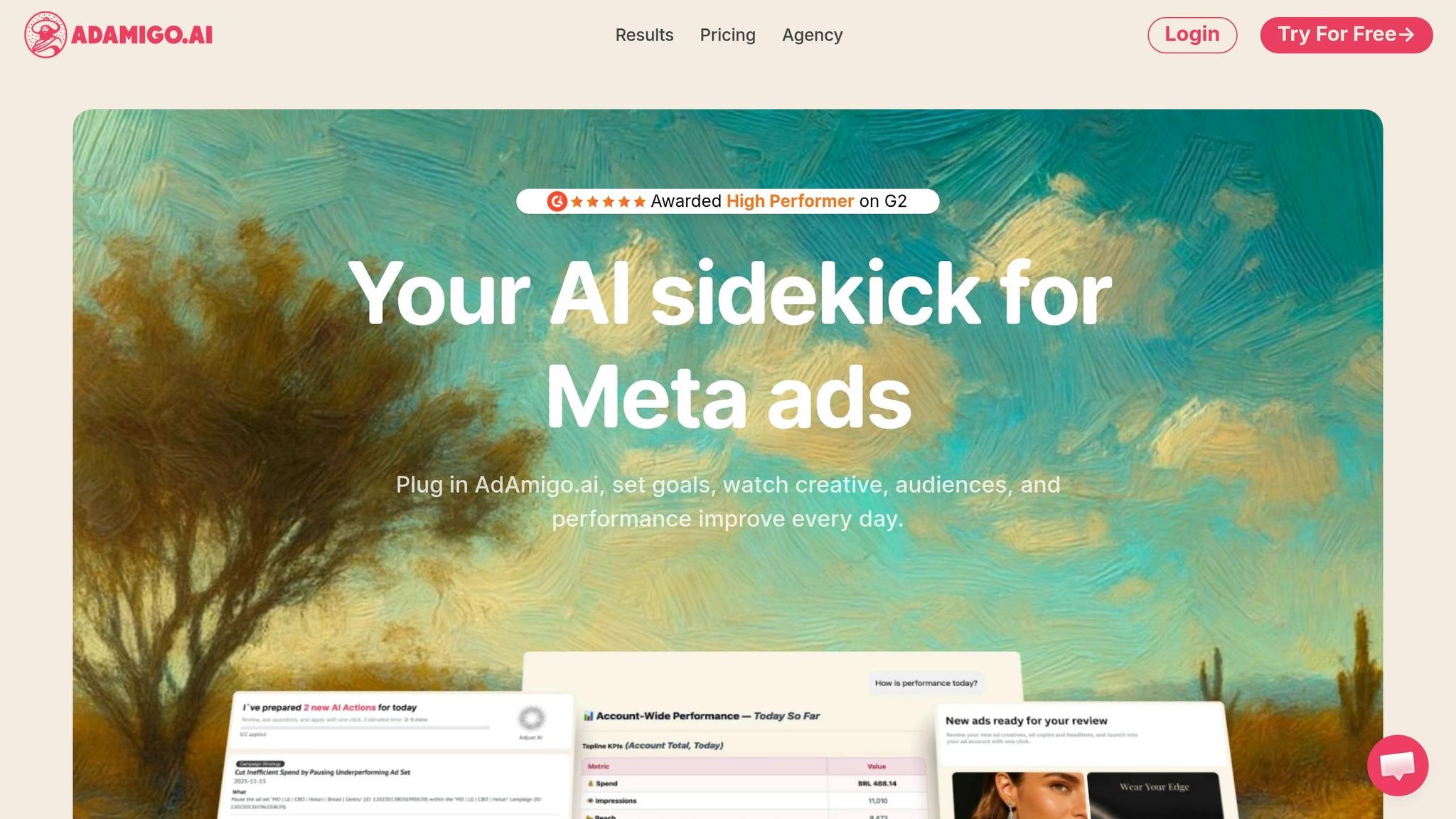
With Meta Consent Mode ensuring privacy compliance, tools like AdAmigo.ai take campaign performance to the next level while adhering to strict data standards.
What Is AdAmigo.ai?
AdAmigo.ai is an AI-powered media buying tool designed specifically for Meta ads. It works by auditing your account in real time, spotting opportunities, and optimizing campaigns automatically. This includes tasks like generating creatives, targeting audiences, managing budgets, and adjusting bids for seasonal trends.
The platform features an AI Autopilot for performance analysis and an AI Chat Agent for instant insights. Want to know why your ROAS dropped yesterday? Just ask. Need to launch a new retargeting campaign? Tell it, and the AI will handle it directly. For agencies, this means one media buyer can manage three to five times more client accounts, as AdAmigo takes care of the repetitive tasks. This makes managing Meta ads much easier, especially when dealing with user consent limitations.
How AdAmigo.ai Improves Meta Ads
AdAmigo.ai is built to maintain ad performance while staying compliant with consent restrictions. It uses Meta's Conversions API to process server-side data, reducing the need for browser-based tracking that may be blocked by user choices. By working in sync with Meta Consent Mode, the platform ensures compliance while optimizing campaigns and scaling ROAS effectively.
The tool automates data hygiene by deduplicating events and applying retention policies that remove personal data when it's no longer needed, following GDPR's data minimization principles. It also keeps centralized compliance logs to document consent collection and AI-driven actions, making audits and regulatory reviews much simpler. Daily AI-generated recommendations are pre-checked against Meta's privacy standards and regional regulations, eliminating the need for manual reviews.
Pricing starts at $99 per month for accounts spending under $5,000 monthly, with the full automation plan priced at $349 per month per account. Verified G2 users have highlighted its ability to improve budget control and ROAS significantly, often outperforming traditional agencies while saving in-house teams a lot of time.
Conclusion
Meta Consent Mode provides a way to stay compliant with GDPR and CCPA regulations while maintaining campaign performance. By linking your Consent Management Platform (CMP) with Meta's Pixel and Conversions API, it adjusts data collection based on user consent. If users opt out of tracking, the system switches to privacy-focused methods like cookieless pings and conversion modeling, allowing campaign performance to be measured without collecting personal data.
Setting up Meta Consent Mode requires a seamless integration of your CMP and Meta Pixel vs. Conversions API setup. Website owners need to ensure their tracking is both compliant and effective. However, for agencies managing multiple clients, manually tracking consent signals and reviewing creative content for compliance can quickly become overwhelming and inefficient.
This is where AI compliance automation steps in to ease the burden. AdAmigo.ai simplifies compliance by automating tasks like real-time consent monitoring, data hygiene checks, and maintaining centralized compliance logs. Instead of manually monitoring consent changes or reviewing creatives for compliance, the AI handles these tasks, ensuring all consent signals and privacy rules are respected. Agencies using AdAmigo.ai report that a single media buyer can manage 3–5× more accounts, thanks to the elimination of manual work.
AdAmigo.ai's pricing starts at $99 per month for optimization recommendations, with full automation available at $349 per month. The platform integrates directly with Meta's official API, ensuring it operates within Meta's compliance framework without adding extra complexity.
FAQs
Do I still need a CMP to use Meta Consent Mode?
No, you don’t need a separate Consent Management Platform (CMP) to use Meta Consent Mode. It works by automatically adjusting tracking based on users' consent preferences, helping businesses stay aligned with GDPR and CCPA requirements.
What data can Meta collect if a user declines consent?
If a user chooses not to give consent, Meta collects only limited, non-identifiable data, such as "cookieless pings." This anonymized data helps with conversion modeling to evaluate ad performance while adhering to privacy regulations. Importantly, no personal information is collected in this process.
How do I keep Pixel and Conversions API consent settings in sync?
To align your Pixel with Conversions API consent settings, make sure both are set up to dynamically honor user consent. Use Meta Pixel Consent Mode commands, such as fbq('consent', 'revoke'), to halt tracking until consent is obtained, and fbq('consent', 'grant'), to restart tracking once consent is given. These commands can be added to your website’s code or managed through a tag management system, ensuring compliance while keeping data collection accurate and measurement consistent.