Free Bulk UTM Tag Generator
Paste your URL, set UTM source/medium/campaign options and get all tagged link variations
Hungry for more? Try AdAmigo.ai for free:
Go beyond auditing your ads. Connect and brief our AI agent within 5 minutes, and let it design your ads, bulk launch your existing ads, and build and manage your campaign strategy on autopilot.
Start for $0 ->
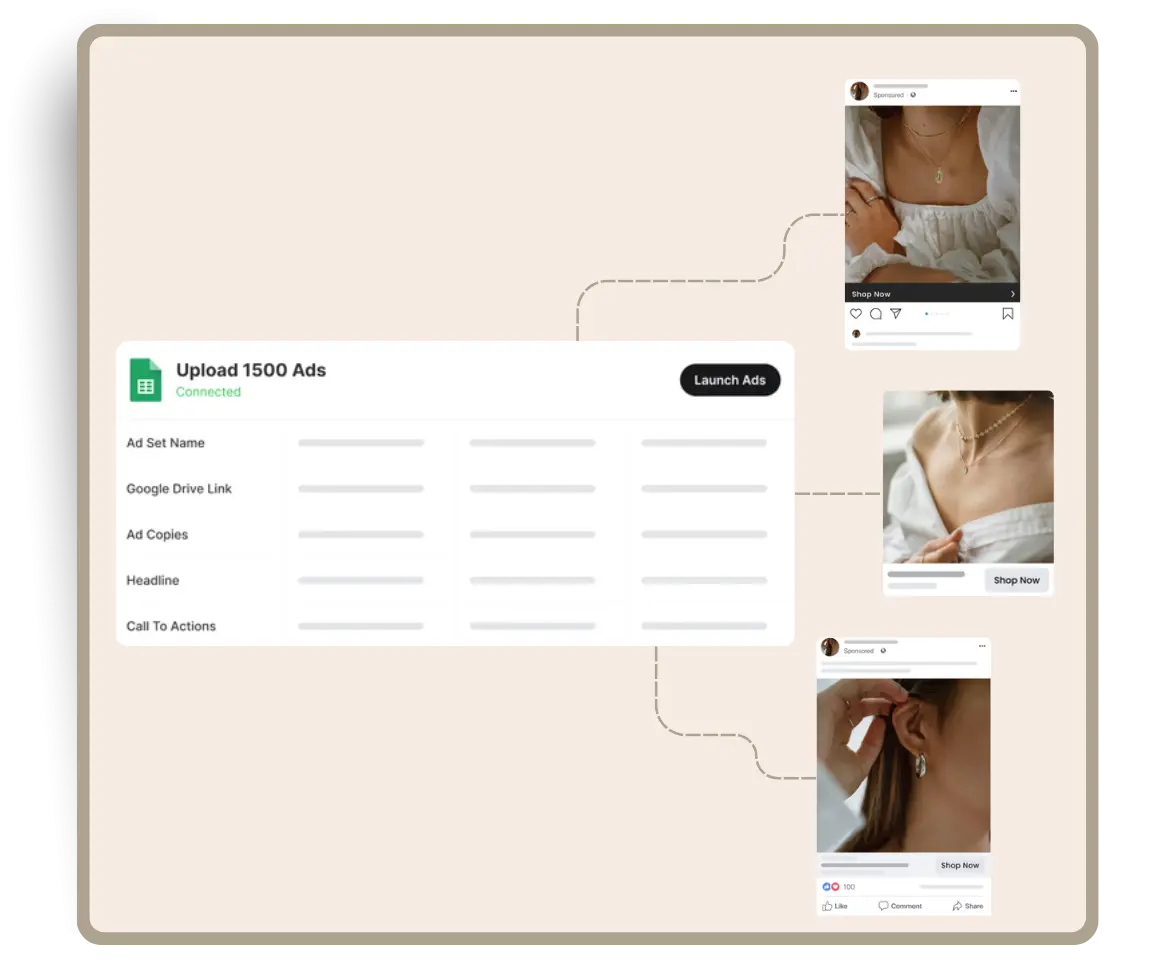
Free Bulk UTM Tag Generator – Generate Multiple UTM Links in Seconds
If you run campaigns across Facebook, Google, email, affiliates, or content, you know how tedious creating UTM-tagged URLs one by one can be. As soon as you manage multiple landing pages or multiple traffic sources, manual link creation becomes slow, messy, and error-prone.
Our Free Bulk UTM Tag Generator solves that problem.
With this tool, you can:
paste multiple destination URLs
add multiple values for each UTM parameter (source, medium, campaign, content, term)
instantly generate every possible UTM link variation
copy links individually or bulk-copy them all
export everything as a CSV for easy campaign setup
Whether you’re managing 5 or 500 links, this tool saves hours and eliminates tracking mistakes.
Why Bulk UTM Generation Matters
UTM parameters (utm_source, utm_medium, utm_campaign, etc.) allow marketers to track exactly where traffic comes from. Even basic single-URL UTM builders like utmBuilder.net are widely used because they ensure consistency and prevent human error.
However, most UTM builders only allow one link at a time.
For marketers running multi-platform or multi-creative campaigns, this is too limiting. Bulk generation ensures:
consistent naming conventions
fewer tracking errors
faster launch of large campaigns
cleaner analytics reporting
Marketing analytics experts often recommend using bulk UTM tools to avoid fragmented tracking and naming chaos. A good overview is available in this guide from OWOX.
How to Use the Bulk UTM Tag Generator
1. Paste URLs
Enter your landing pages (one per line). Example:
product-page
collection-page
sale-landing-page
2. Add your UTM parameters
Each parameter can contain multiple values, one per line:
utm_source
facebook
google
newsletter
utm_medium
cpc
bfcm-promo
utm_campaign
black-friday
retargeting-q4
3. Generate all combinations
The tool will automatically produce every logical combination across URLs × sources × mediums × campaigns × content × term.
4. Copy or export
Export results to CSV or simply bulk-copy all links into Ads Manager, Google Sheets, or your content planner.
Best Practices for UTM Naming Conventions
Use lowercase for all UTMs (e.g. facebook, google, email).
Use hyphens or underscores instead of spaces (black-friday-sale).
Keep campaign names short but meaningful.
Never use UTMs for internal links (it breaks analytics attribution).
Coordinate naming conventions with your team or agency.
Tools like Trackingplan’s UTM builder explain similar best practices, but most still require manual input. That’s where bulk generation makes a difference.
Who This Tool Is For
This tool is especially useful for:
Agencies and media buyers running dozens of ad sets
Ecommerce brands launching seasonal promotions
Affiliate marketers managing many tracking links
Newsletter and content marketers who distribute links across multiple channels
Marketing teams that need standardized, error-free campaign tracking
If you generate more than a few UTM links per week, this tool will save you significant time.
FAQ
What are UTM parameters?
UTM parameters are tracking tags added to URLs to identify where traffic comes from. They appear as query parameters like ?utm_source=facebook&utm_medium=cpc.
Do UTM parameters affect SEO?
No. UTM links do not impact rankings. They only affect analytics tracking.
Why use a bulk UTM generator instead of a normal one?
Most UTM builders only create a single link at a time. Bulk generation is essential when you need dozens or hundreds of tagged URLs at once.
Can I export my UTM link list?
Yes. You can export a CSV file or bulk-copy all generated links.
Should I keep naming consistent?
Absolutely. Consistency ensures clean analytics and prevents splitting traffic across multiple mislabeled channels.
Can I use this for TikTok, Meta, Google, and email?
Yes. Bulk UTMs work across all platforms, including Meta Ads, Google Ads, TikTok Ads, Klaviyo, Mailchimp, and affiliate networks.

Want to get even more free value?
Explore our other free tools ->